Making "Ben & Jeremy Chunk"
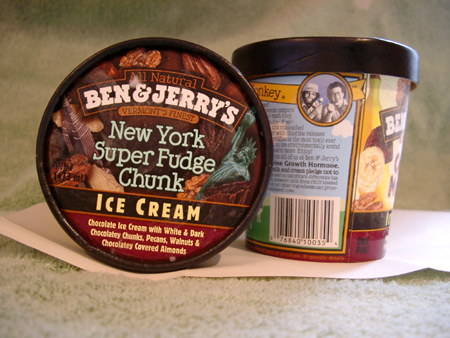
If you look closely at that picture, you notice a number things.
- Although I put a green towel and a sheet of paper under the containers to try to make a uniform background to easily lift the containers from, it didn't work very well.
- Although I wanted to turn "BEN & JERRY'S" into "BEN & JEREMY'S", there was no "M" in that typeface, so I'd have to create one.
- "Jeremy" is longer than "Jerry," but there was a decorative border around "BEN & JERRY'S" which would have to be moved.
- The colors are wrong. "BEN & JERRY'S", for example, is pure white on the container. Fortunately, Adobe Photoshop is really good for fixing stuff like that.
After color correcting, my first step was to extract the containers and then use Photoshop's "rubber stamp" tool, which allows you to paint over one part of an image with pixels from another part. Careful use of this tool allowed me to remove the name of the flavor, the "BEN & JERRY'S", and the picture of Ben and Jerry.
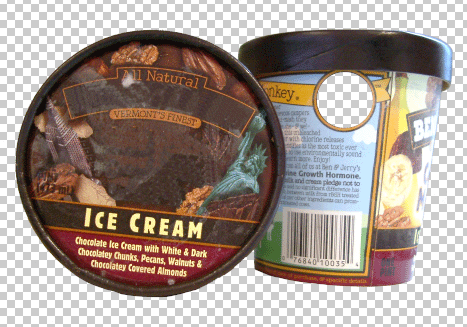
When I looked at this picture, I realized that moving the border around the title is going to be very difficult. I decided to leave it where it was and try something else.